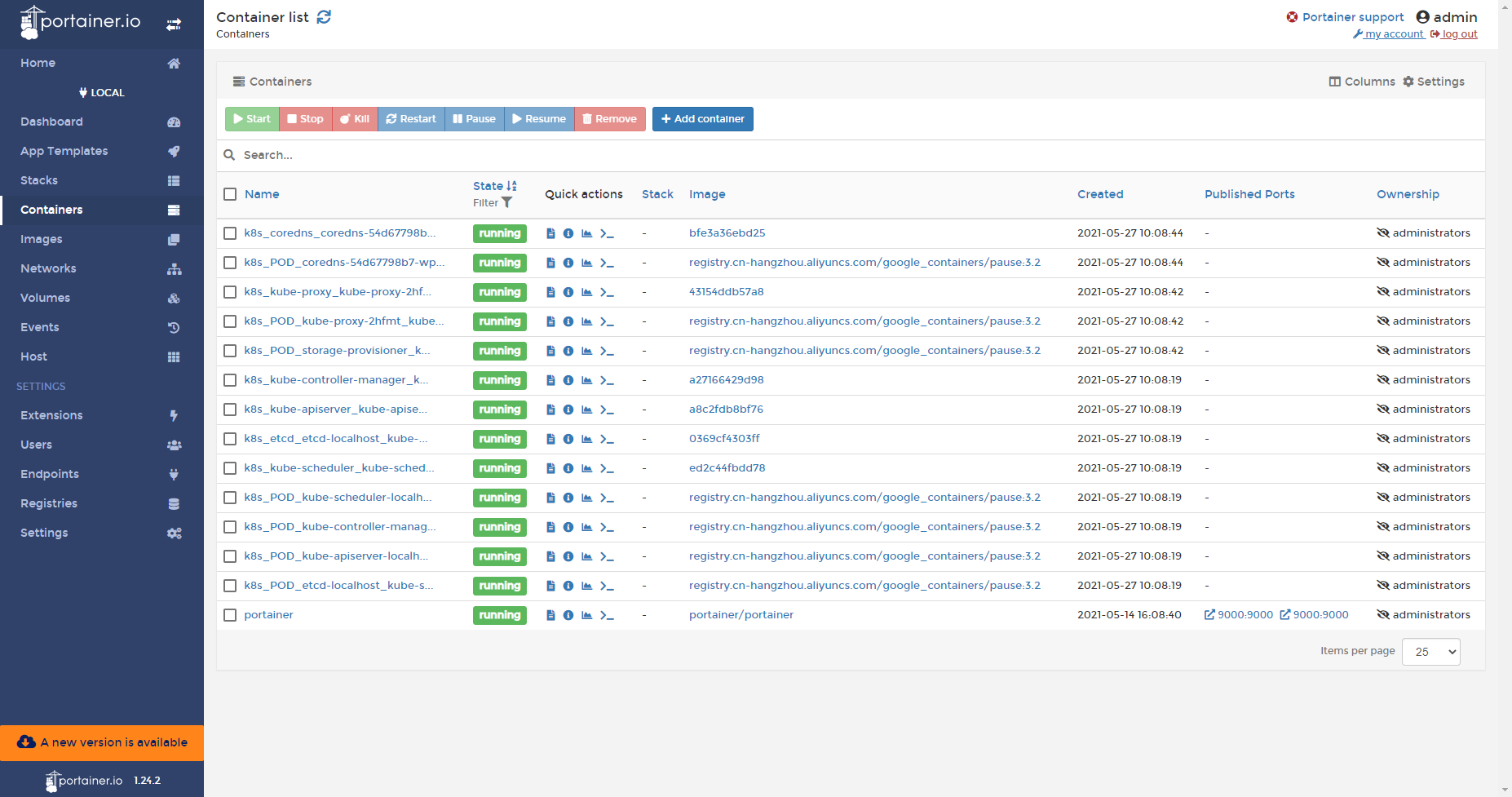
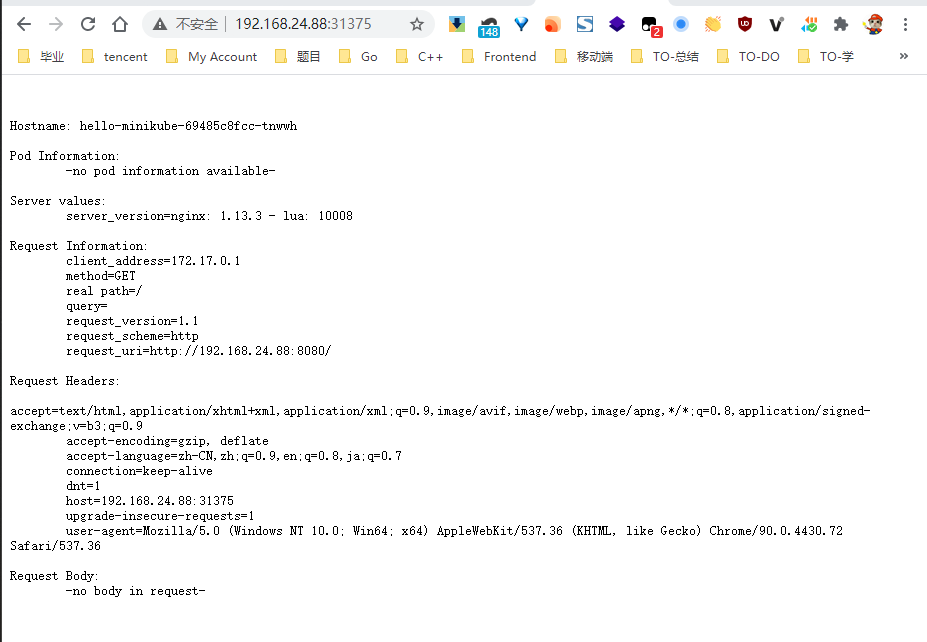
[root@localhost ~]# minikube start \ > --image-mirror-country=cn \ > --registry-mirror='https://t9ab0rkd.mirror.aliyuncs.com' \ > --image-repository='registry.cn-hangzhou.aliyuncs.com/google_containers' \ > --vm-driver=none \ > --kubernetes-version v1.18.17 😄 minikube v1.20.0 on Centos 7.9.2009 ✨ Automatically selected the docker driver. Other choices: none, ssh 🛑 The "docker" driver should not be used with root privileges. 💡 If you are running minikube within a VM, consider using --driver=none: 📘 https://minikube.sigs.k8s.io/docs/reference/drivers/none/
❌ Exiting due to DRV_AS_ROOT: The "docker" driver should not be used with root privileges.
[root@localhost ~]# minikube start \ > --image-mirror-country=cn \ > --registry-mirror='https://t9ab0rkd.mirror.aliyuncs.com' \ > --image-repository='registry.cn-hangzhou.aliyuncs.com/google_containers' \ > --vm-driver=none \ > --kubernetes-version v1.18.17 😄 minikube v1.20.0 on Centos 7.9.2009 ✨ Using the none driver based on user configuration ✅ Using image repository registry.cn-hangzhou.aliyuncs.com/google_containers 👍 Starting control plane node minikube in cluster minikube 🤹 Running on localhost (CPUs=8, Memory=15866MB, Disk=48908MB) ... ℹ️ OS release is CentOS Linux 7 (Core) 🐳 Preparing Kubernetes v1.18.17 on Docker 20.10.6 ... ▪ Generating certificates and keys ... ▪ Booting up control plane ... ▪ Configuring RBAC rules ... 🤹 Configuring local host environment ...
❗ The 'none' driver is designed for experts who need to integrate with an existing VM 💡 Most users should use the newer 'docker' driver instead, which does not require root! 📘 For more information, see: https://minikube.sigs.k8s.io/docs/reference/drivers/none/
❗ kubectl and minikube configuration will be stored in /root ❗ To use kubectl or minikube commands as your own user, you may need to relocate them. For example, to overwrite your own settings, run:
💡 This can also be done automatically by setting the env var CHANGE_MINIKUBE_NONE_USER=true 🔎 Verifying Kubernetes components... ▪ Using image registry.cn-hangzhou.aliyuncs.com/google_containers/k8s-minikube/storage-provisioner:v5 (global image repository) 🌟 Enabled addons: storage-provisioner, default-storageclass 🏄 Done! kubectl is now configured to use "minikube" cluster and "default" namespace by default
看到🏄 Done! kubectl is now configured to use "minikube" cluster and "default" namespace by default说明我们的安装没毛病!
通过kubectl查看:
1 2 3 4 5 6 7 8 9 10 11 12 13 14 15 16 17
[root@localhost ~]# minikube status
minikube
type: Control Plane
host: Running
kubelet: Running
apiserver: Running
kubeconfig: Configured

[root@localhost ~]# kubectl cluster-info
Kubernetes control plane is running at https://192.168.24.88:8443
KubeDNS is running at https://192.168.24.88:8443/api/v1/namespaces/kube-system/services/kube-dns:dns/proxy

To further debug and diagnose cluster problems, use 'kubectl cluster-info dump'.

[root@localhost ~]# kubectl get svc
NAME         TYPE        CLUSTER-IP   EXTERNAL-IP   PORT(S)   AGE
kubernetes   ClusterIP   10.96.0.1    <none>        443/TCP   7m54s
[root@localhost ~]# kubectl get deployments.apps
NAME             READY   UP-TO-DATE   AVAILABLE   AGE
hello-minikube   0/1     1            0           15s
[root@localhost ~]# kubectl get deployments.apps
NAME             READY   UP-TO-DATE   AVAILABLE   AGE
hello-minikube   1/1     1            1           29s
[root@localhost ~]# kubectl get deployments.apps
NAME             READY   UP-TO-DATE   AVAILABLE   AGE
hello-minikube   3/3     3            3           30m

[root@localhost ~]# kubectl get po
NAME                              READY   STATUS    RESTARTS   AGE
hello-minikube-78d5965746-7tv2h   1/1     Running   0          31m
hello-minikube-78d5965746-hrz5h   1/1     Running   0          31m
hello-minikube-78d5965746-z9fn7   1/1     Running   0          31m